Rotation and Mirroring
Simple affine transformations (rotations and mirroring) can be done simply with the buttons in to top right of the edit bar:
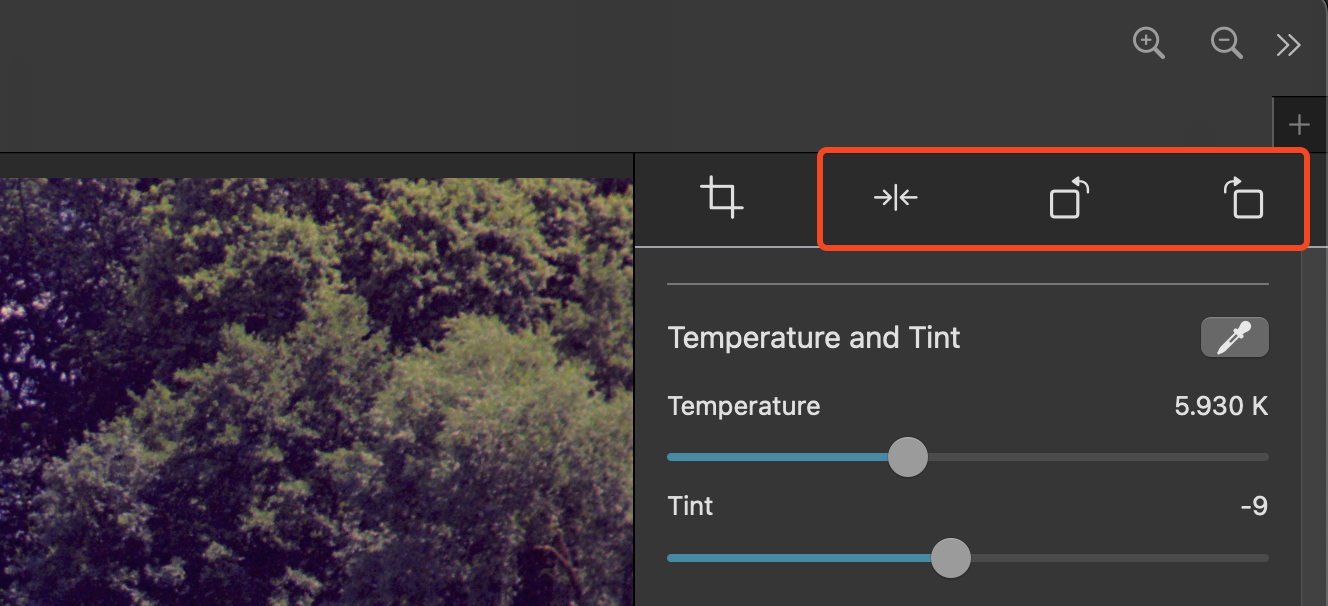
- Horizontal Mirroring: Mirrors the image around the vertical axis. This is practical if the photographed or scanned film was flipped.
- Rotation left/right: Normal rotation in 90° steps of the image.